 how-to
7 Steps to Verify Electronic Product Specifications
Last Updated: October 25, 2026
Quick Summary
To verify electronic product specifications, confirm the part number in the manufacturer's database, compare the datasheet, listing, and label, then inspect markings and test electrical values. Run the checks in order and stop at the first failure, because documents are cheap to check while testing takes time and equipment.
- A datasheet value is a nominal value plus tolerance, measured under stated test conditions.
- Match the part to the correct datasheet revision, since manufacturers revise documents without changing the base part number.
- Genuine laser-etched markings sit in the surface, while cheap paint scratches off with a fingernail.
- If two or more counterfeit tells appear together, return the part without testing it.
- Never test a suspect counterfeit at full rated power, as it can destroy the part and your evidence.
Table of Contents
- Why Verifying Electronic Product Specifications Matters
- Your Electronics Product Verification Checklist
- How to Verify Electronics Model Number and Part Number
- Check Manufacturer Product Specifications Against the Datasheet
- Inspect Labels, Markings, and Traceability Codes
- How to Spot Counterfeit Electronic Components
- Electrical and Performance Testing Methods
- What to Do When a Product Fails Verification
- Frequently Asked Questions
Why Verifying Electronic Product Specifications Matters
Verifying electronic product specifications means confirming that a component's printed details, physical build, and measured performance match the manufacturer's official documentation.
Counterfeit and mislabeled parts circulate widely through online marketplaces, and a single mismatched voltage rating or pin assignment can destroy a whole project. The steps below give you a repeatable system: check the paperwork, inspect the hardware, test what you can measure, and record what you find.
Your Electronics Product Verification Checklist
An electronics product verification checklist is a fixed sequence of checks that moves from documents to hardware to measurement. Run the steps in this order and stop at the first failure:
- Confirm the part number against the manufacturer's database
- Compare the datasheet against the listing and the label
- Inspect labels, markings, and traceability codes
That order matters: documents are cheap and fast to check, while testing takes time and equipment. Never skip to testing before the paperwork lines up.
How to Verify Electronics Model Number and Part Number
To verify electronics model and part numbers, start with the manufacturer's own database, not the seller's listing. The part number is your most reliable identifier, so confirm it at the source first.
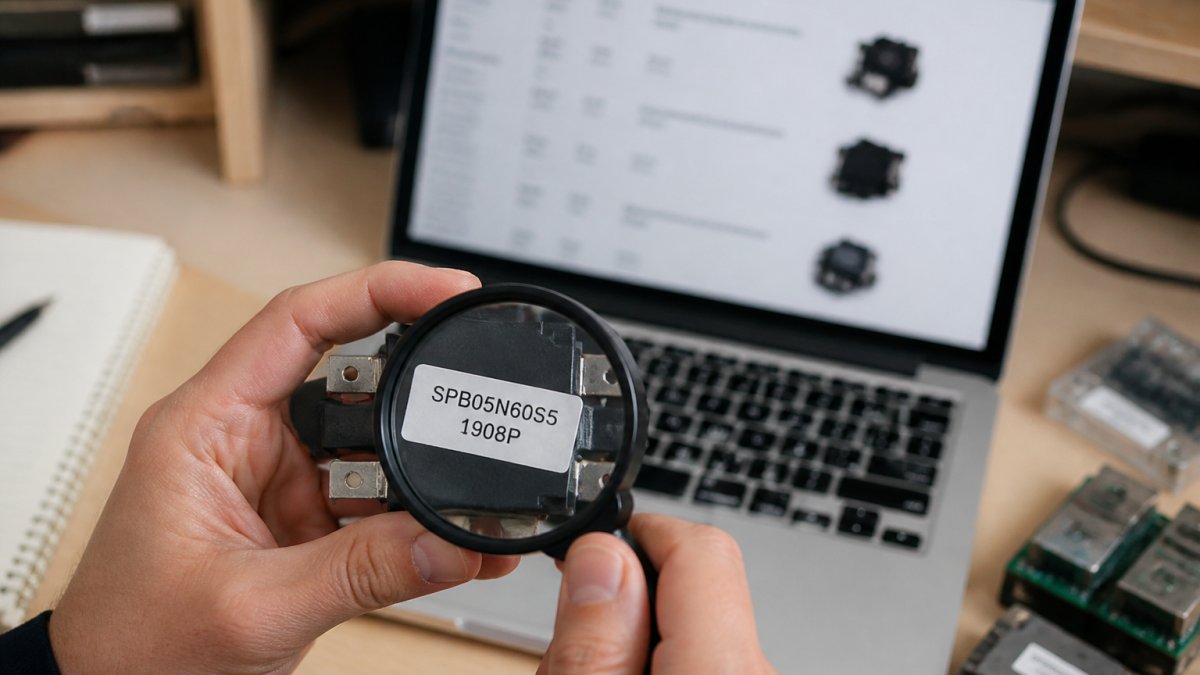
Here's the sequence we recommend:
- Read the label under good light. Use a magnifier if the print is small. Photograph it before you touch anything else.
- Write down the full string. Include suffixes and revision letters. A trailing "A" or "R2" often means a different revision with different specs.
- Search the manufacturer's website directly. Use their product search or part lookup, not a general search engine.
- Compare the returned page to your label. Check the package type, pin count, and temperature range.
- Cross-reference any alternate numbers. Some parts carry a distributor code alongside the manufacturer code.
Watch out: sellers sometimes list a "family" part number covering several variants. If the listing shows a generic number and the label shows a specific suffix, treat the listing as unverified until the manufacturer page confirms that exact suffix.
Check Manufacturer Product Specifications Against the Datasheet
Checking manufacturer product specifications means matching three documents: the datasheet, the seller's listing, and the physical label. Any mismatch is a red flag, but it only means something if you can read the specification itself, nominal values, tolerances, test conditions, and revision history all change what "matching" means.
Read the specification as a range, not a number
A datasheet value is a nominal value with a tolerance band, measured under stated conditions. Before you compare, identify all three:
- Nominal value. The center of the band, for example, 10 kΩ.
- Tolerance. The acceptable spread, for example, ±5%, which gives 9.5 kΩ to 10.5 kΩ.
- Test conditions. The voltage, current, temperature, and frequency at which the value is specified. A capacitance quoted at 120 Hz is not directly comparable to a reading taken at 1 kHz.
If the listing quotes only the nominal value and omits the tolerance, it is incomplete, treat it as unverified until the datasheet confirms the full band.
Compare the parameters that actually matter
Work through the key parameters one by one, checking the value, tolerance, and conditions:
- Voltage and current ratings. Confirm the maximum values, not just the typical ones. A part rated 16 V maximum is not a substitute for one rated 25 V, even if both work in a 12 V circuit today.
- Tolerance bands. A 5% resistor is not a 1% resistor, and the label should say which. A tighter tolerance part sold at a loose-tolerance price is a common substitution pattern.
- Operating temperature range. Commercial, industrial, and automotive grades often share a package and pinout but differ in rated temperature. A commercial part rated 0-70 °C is not equivalent to an industrial part rated −40 to +85 °C.
Match the product to the correct datasheet revision
Many verification efforts quietly fail here: manufacturers revise datasheets without changing the base part number, and listings may quote an older revision. To avoid comparing against the wrong document:
- Find the revision code on the datasheet (often a letter or date near the footer).
- Check the manufacturer's product page for the current revision and any product change notices.
- Compare the revision date to the date code on the part. A part manufactured after a revision should match the newer document; a part manufactured before it may legitimately match the older one.
- Record which revision you used. Your verification note should state the datasheet revision, not just "datasheet checked."
The IEEE standards development process is a useful reference for understanding how technical standards shape the specs you're reading. Also check the IEC International Standards catalogue when a part claims compliance with an international standard, since the standard number on the label should match a real published document.
A common mistake is trusting a spec table with no revision date. If the datasheet doesn't say when it was issued, treat the numbers as provisional and ask the supplier for the controlled document.
Flag these mismatches first
Not all mismatches carry equal weight. Prioritize the ones that change whether the part works in your circuit:
- Different maximum rating (voltage, current, power), safety and reliability risk.
- Different tolerance, performance risk in precision circuits.
- Different temperature grade, reliability risk in harsh environments.
When a mismatch appears, photograph the label, screenshot the listing, and save the datasheet revision you compared against. That record is what turns a suspicion into a documented rejection.
Inspect Labels, Markings, and Traceability Codes
Physical inspection is where paperwork meets reality. Check label details, screen markings, lot code, date code, and country of origin, and ask whether they tell a consistent story.
What to examine:
- Print quality. Genuine laser-etched markings sit in the surface. Cheap paint sits on top and scratches off with a fingernail.
- Font consistency. Compare letter shapes across the part. Counterfeits often mix fonts.
- Lot code and date code. These should follow the manufacturer's own format, which is usually explained in their documentation.
Traceability is the goal: a clear lot code and matching country of origin give you a paper trail if something fails later.
How to Spot Counterfeit Electronic Components
You spot counterfeit electronic components by looking for inconsistencies no genuine production line would produce. Fakes usually fail at least two of these checks at once.
The most common tells:
- Mixed markings on one part. Different fonts, or a logo that's slightly the wrong shape.
- Refinished surfaces. Sanding marks or a dull, uniform coating where the original had texture.
- Wrong weight or feel. Counterfeit parts often use cheaper materials and feel lighter.
The U.S. Customs and Border Protection guidance on counterfeit goods explains how counterfeit electronics enter supply chains and what enforcement looks for. For buyers in Europe, the European Union Intellectual Property Office resources covers similar ground on counterfeit detection and reporting.
If two or more tells show up together, stop. Don't test the part and hope. Return it.
Electrical and Performance Testing Methods
Testing confirms what inspection can only suggest. The useful question is how to test so the result means something, this section covers measurement methods, pass/fail criteria, and tool reliability checks that turn a vague functional test into evidence.
Set a measurement baseline before you test
A reading is only useful if you know what it should be and how much error your instrument adds. Before testing any suspect part:
- Pull the exact datasheet revision for the part number you confirmed earlier. Note the test conditions, voltage, current, temperature, and load, because a value measured outside those conditions is not comparable.
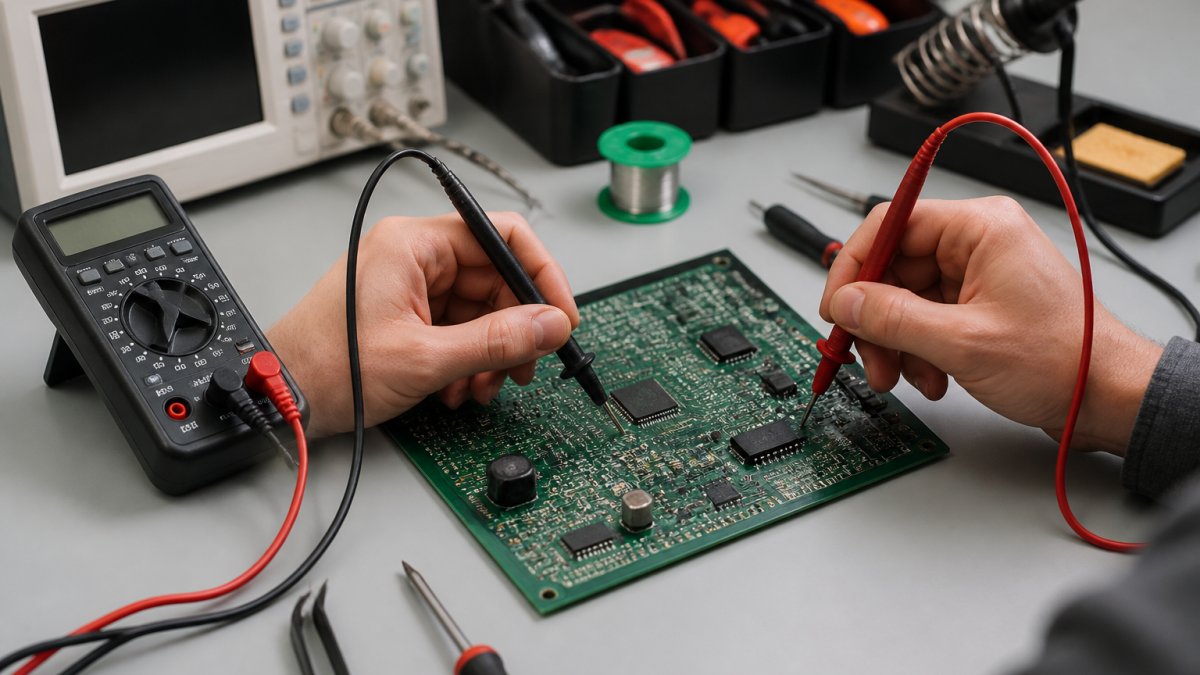
- Check your instrument against a known reference. For a multimeter, measure a fresh reference resistor or a calibrated voltage source. Most handheld meters are specified to ±0.5% to ±2% on DC voltage and resistance; if your reference reading falls outside that band, the meter is not trustworthy for marginal judgments.
- Record the instrument model and the reading. A measurement without the tool model is not reproducible.
Core electrical tests and what passing looks like
Work from least invasive to most invasive. Each test names the measurement, instrument, and pass criterion.
- Continuity and resistance. Use a multimeter in resistance mode. Compare the measured value to the datasheet's nominal value and tolerance band. A 10 kΩ resistor marked ±5% should read between 9.5 kΩ and 10.5 kΩ at room temperature; a reading outside that band is a fail, not a rounding error.
- Capacitance and inductance. Use an LCR meter or a multimeter with capacitance mode. Electrolytic capacitors commonly carry ±20% tolerance, so a 100 µF part reading 82 µF may still be in spec, check the datasheet before condemning it.
- Forward voltage and diode drop. Use the multimeter's diode mode. A silicon diode typically shows 0.6-0.7 V; a Schottky may show 0.3-0.4 V. A reading near zero or open circuit indicates a failed junction.
Evaluate tolerances and measurement uncertainty honestly
A common mistake is treating a datasheet's nominal value as the pass line. Specifications are nominal plus tolerance, and your measurement carries its own uncertainty.
Also read the test conditions. A capacitor's rated capacitance is often specified at 120 Hz and 20 °C; measuring at 1 kHz or in a warm room shifts the reading. If your test doesn't match the stated conditions, note the difference in your record instead of calling a fail.
Practical tool and calibration guidance
- Match the instrument to the tolerance. Checking 5% parts needs a meter good to about 1%; checking 1% parts needs better than 0.5%.
- Check calibration status. Bench instruments should carry a calibration sticker or certificate with a date. Handheld meters used for pass/fail decisions should be checked against a reference before each batch.
- Use current limiting. A bench supply with the current limit set just above the expected draw protects both the part and your test rig if the part is shorted.
What to Do When a Product Fails Verification
A failed check is a result, not a dead end. Document it, then act.
Follow this sequence:
- Photograph everything. The label, the packaging, the measured reading, and the listing page.
- Write a short failure note. State which check failed and what the correct value should have been.
- Contact the seller in writing. Reference the part number and the specific mismatch.
A simple log pays off: track part number, supplier, date received, checks passed, and outcome. Over time, it tells you which suppliers are reliable.
| Failure Type | First Action | Record to Keep |
|---|---|---|
| Part number mismatch | Stop and contact seller | Label photo, listing screenshot |
| Datasheet mismatch | Request correct datasheet | Both document versions |
| Suspected counterfeit | Return without testing | Packaging and marking photos |
| Failed electrical test | Re-test with known-good meter | Measured values, meter model |
| Missing traceability code | Ask supplier for lot info | Supplier reply |
Frequently Asked Questions
How do I check whether an electronic product's specifications are accurate?
Start by locating the model and part number on the device label, then pull the official datasheet from the manufacturer's website. Compare rated voltage, current, power, dimensions, and tolerances line by line against the listing. Use a micrometer for physical dimensions and a multimeter for basic electrical checks. Any mismatch between the datasheet and the product you received is a red flag that warrants a return or supplier query before use.
Where can I find the official specifications for an electronic product?
The manufacturer's website is the primary source. Search the exact part number in their product database and download the current datasheet and any technical standards documents referenced. Distributor sites and cross-reference tools can help confirm equivalents, but always treat the manufacturer datasheet as the authoritative version. Avoid relying on marketplace listings alone, since copied specs often drift from the official release.
How can I verify an electronics model number before buying?
Note the full model number from the listing, including any suffix or revision code, and search it on the manufacturer's site. Confirm the number exists, matches the product category, and that the listed specs align with the official page. If the model number returns no results or points to a different product, treat the listing as unverified and ask the seller for a photo of the actual label before ordering.
How can I tell if electronic components are counterfeit?
Look for inconsistencies in label printing, font, and placement, mismatched lot or date codes, and signs of resurfacing such as sanded or re-marked surfaces. Check country of origin against the manufacturer's known facilities and scan the barcode or UPC to confirm it resolves to the correct product. Electrical testing with a calibrated multimeter adds a further layer, since counterfeit parts often fall outside published tolerances.
Verification takes discipline, and most buyers skip it until a part fails. We built Pemarch around the opposite idea: precision in every word, so the description you read matches the product you receive. Our advanced translation tools keep specifications clear across languages, and our focus on unmatched accuracy means fewer surprises at the workbench. Get started with Pemarch and shop electronics you can check with confidence.